
Features › Transform and debug
From stylesheet to result
Run, debug, profile and test transformations in the editor you write them in.
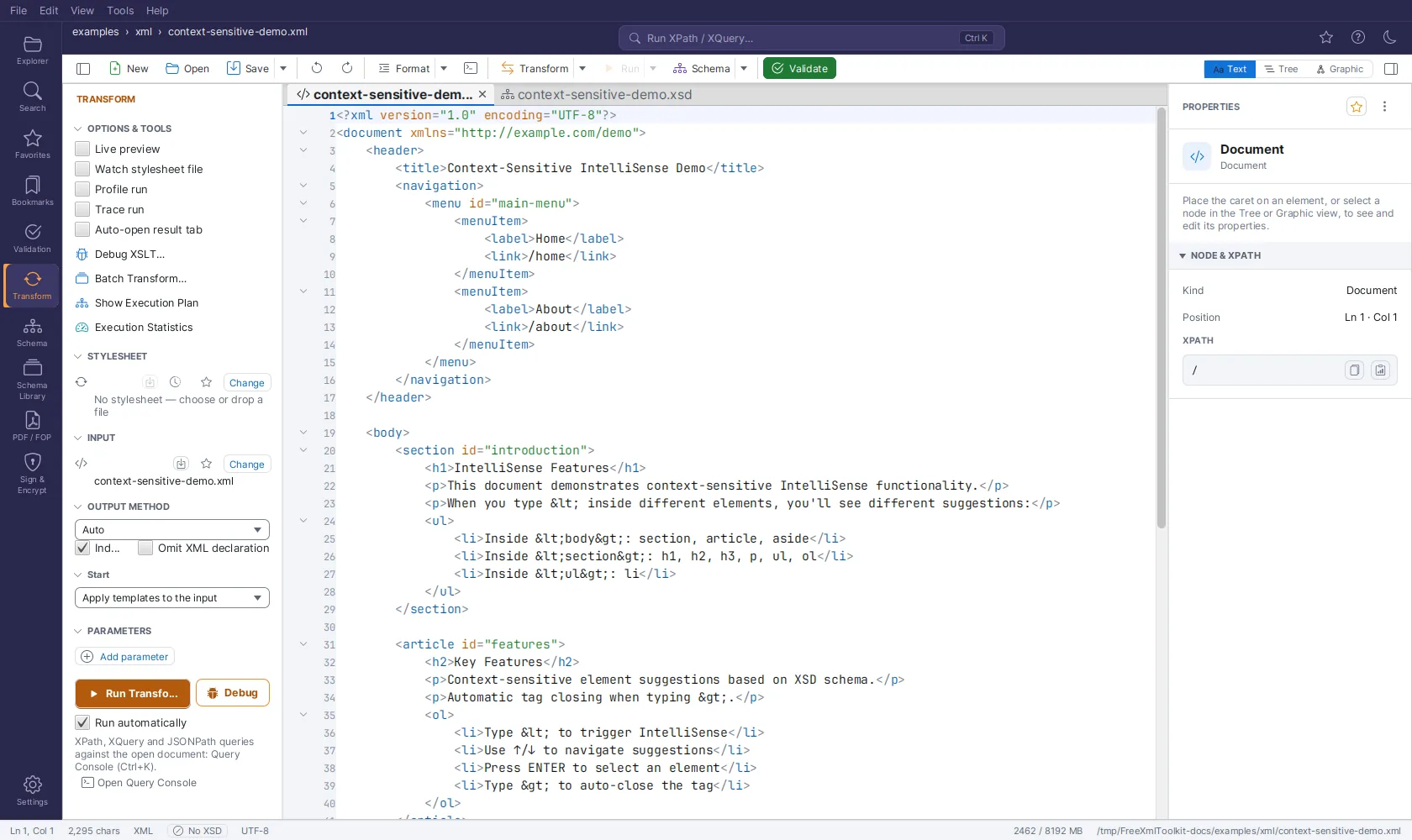
Transform
XSLT, XQuery and XPath
XSLT 3.0, XPath 3.1 and XQuery 3.1 run on Saxon HE, with the result below the editor.
- Parameters, output method and a live preview
- Scenarios keep stylesheet, input and parameters together
- Batch transformation of many files
- XSLT 1.0 and 2.0 when a stylesheet has to stay compatible
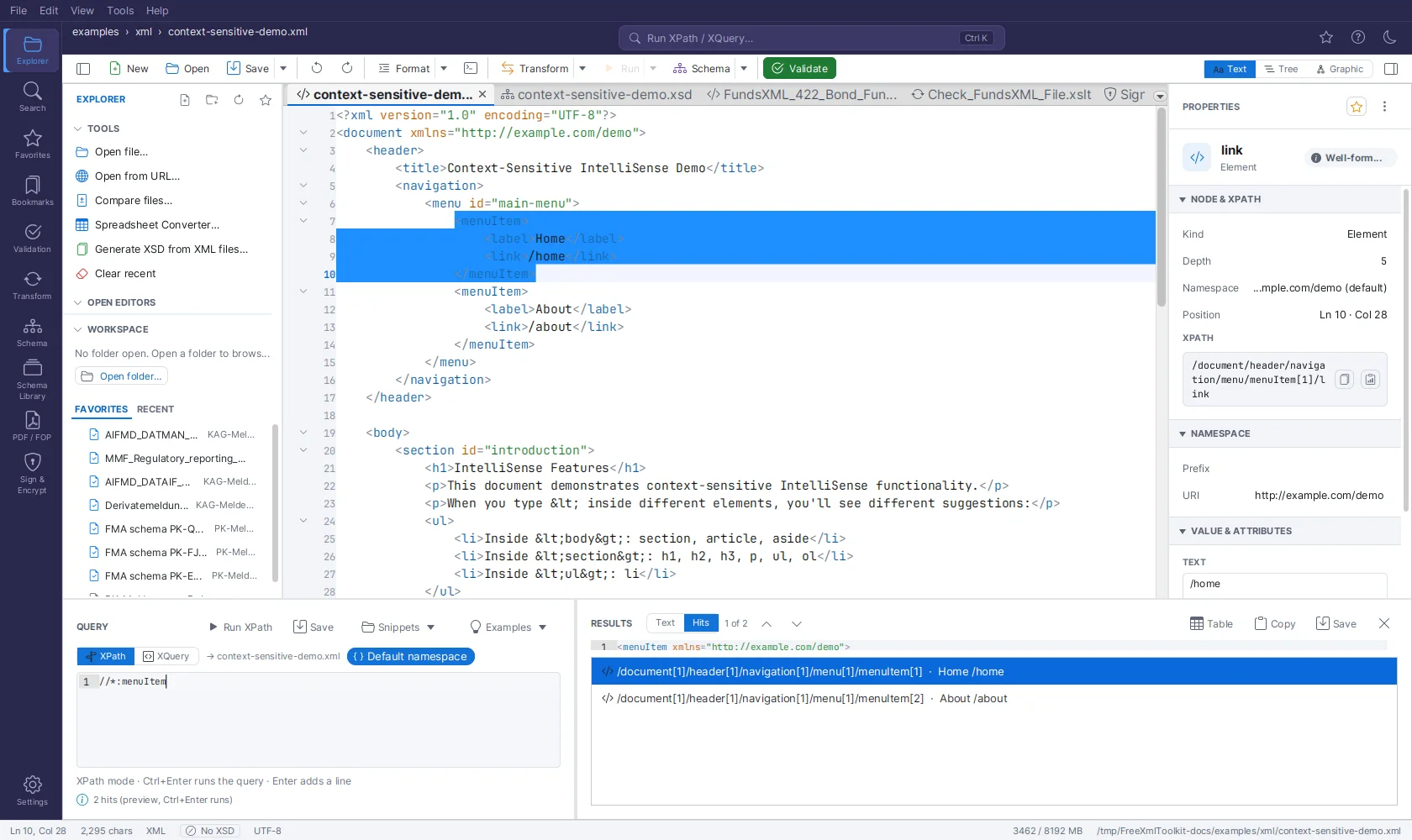
Query Console
Ask the open document
Type an XPath, XQuery or JSONPath expression and see the result at once.
- Runs against the document in the editor
- A time limit stops a query that runs away
- Optional: turn a question into a query with the AI assistant
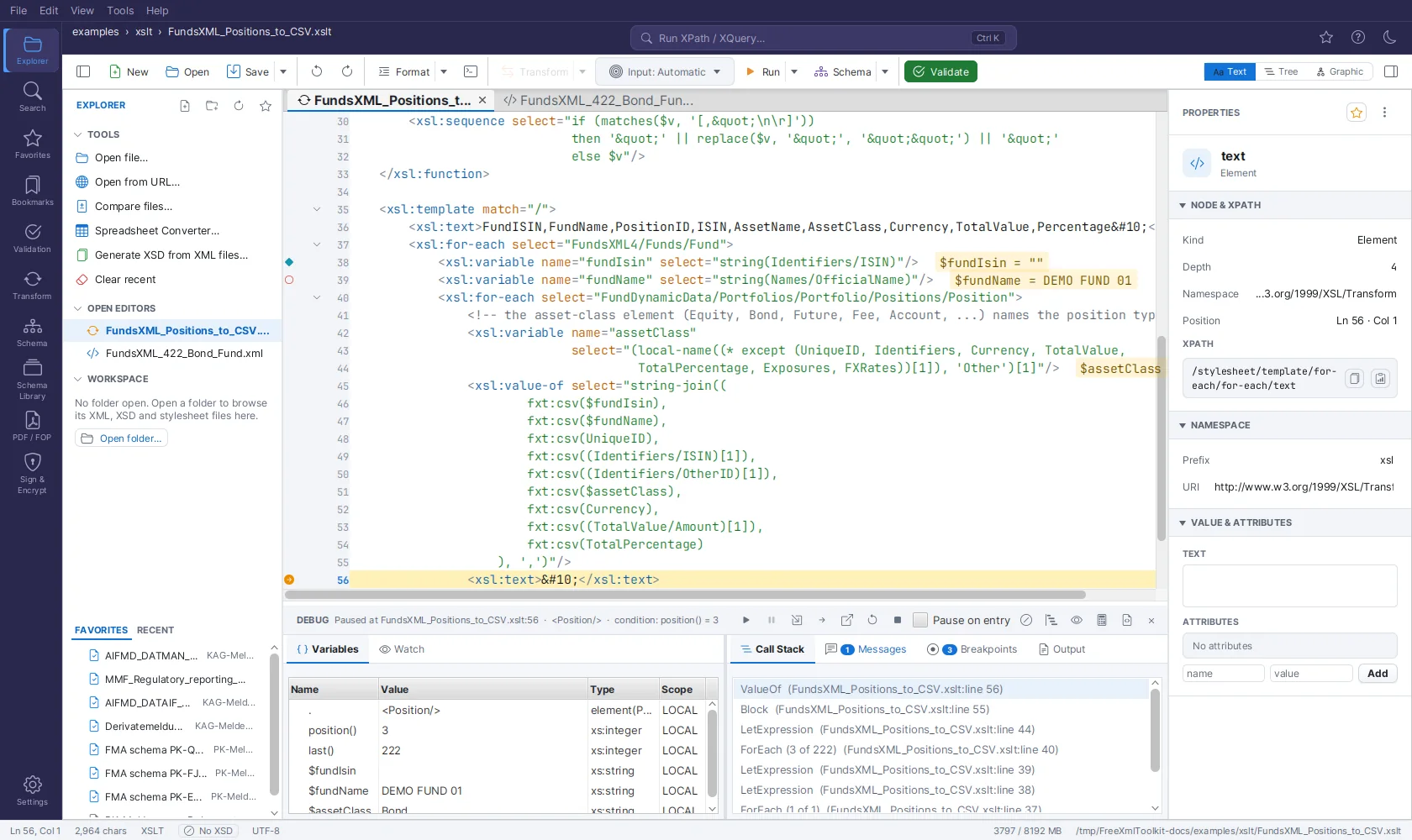
Debugger
Step through XSLT, XQuery and Schematron
Stop where it matters and look at the context node, the variables and the output written so far.
- Conditional breakpoints, hit counts and logpoints
- Watches, call stack, inline values and a value window with XPath
- Break on errors, on messages or when an input node is processed
- Coverage, and Explain Match for the template rule that won
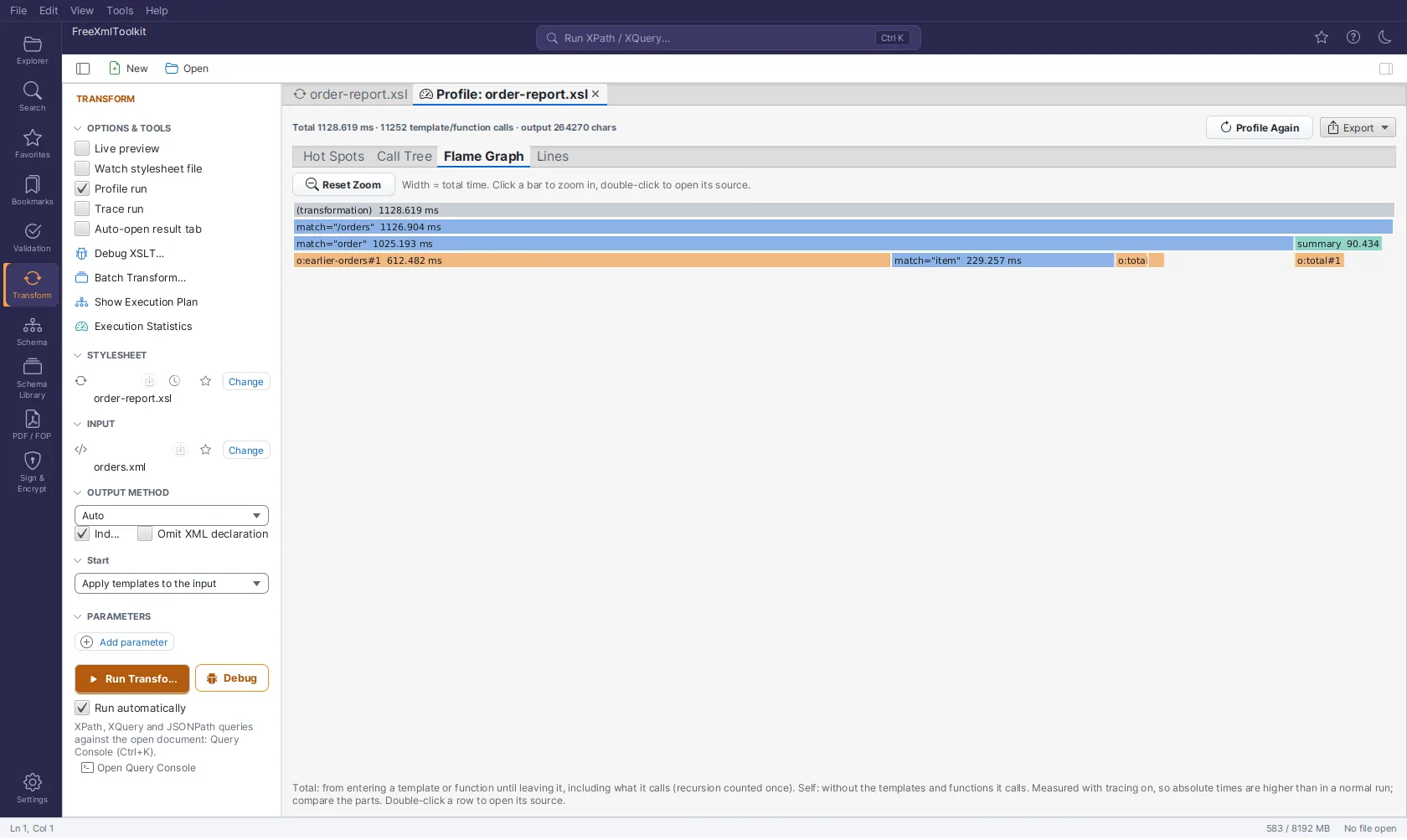
Profiler
Find the slow template
A profile run measures every template and function of a stylesheet or query.
- Total and own time, call tree and flame graph
- For XSLT and XQuery
- From the command line with transform --profile
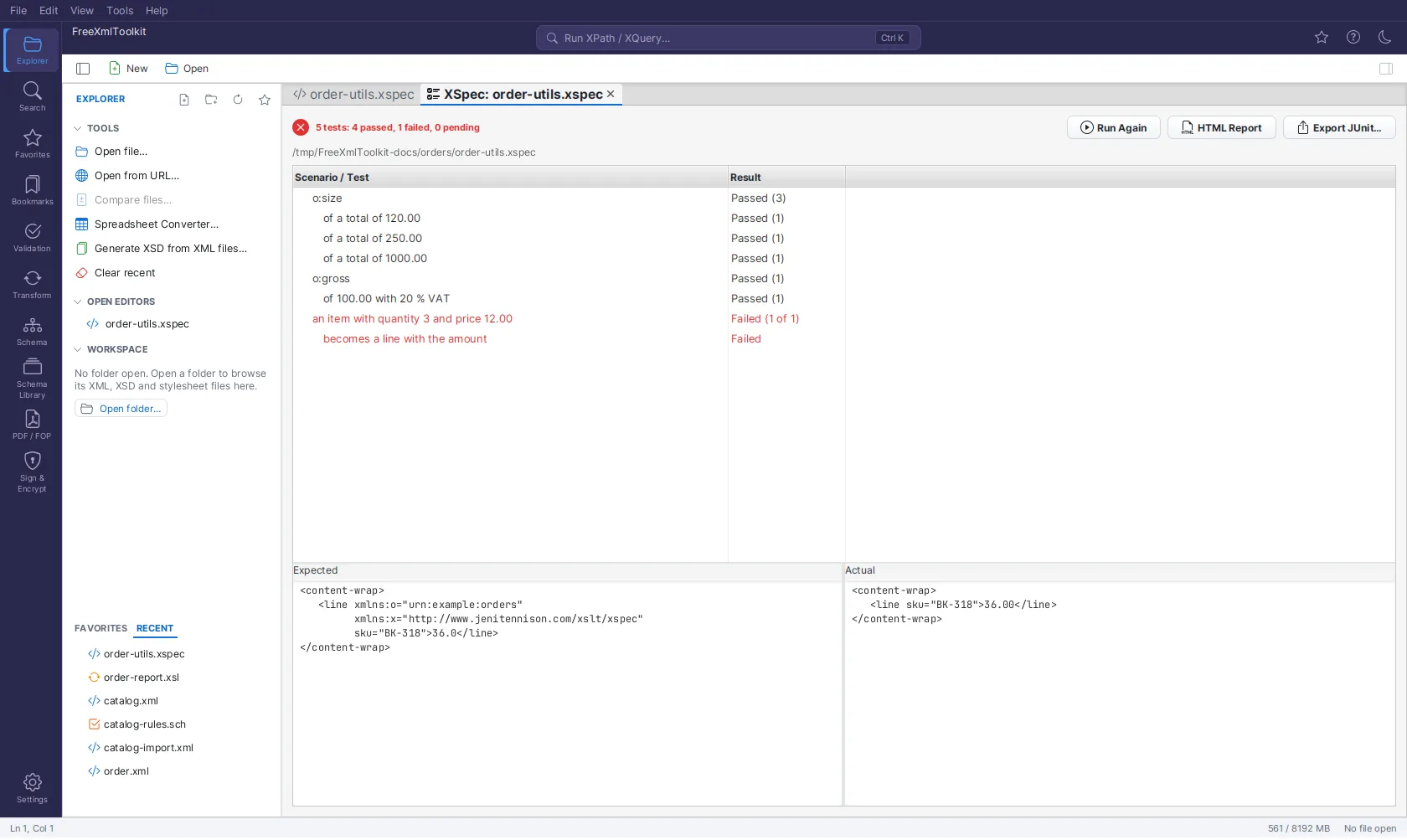
Tests
Test with XSpec
Run XSpec tests for XSLT, XQuery and Schematron and see which expectations failed.
- Run from the editor or with fxt-cli xspec
- Scenario checks compare a transformation result with an expected file
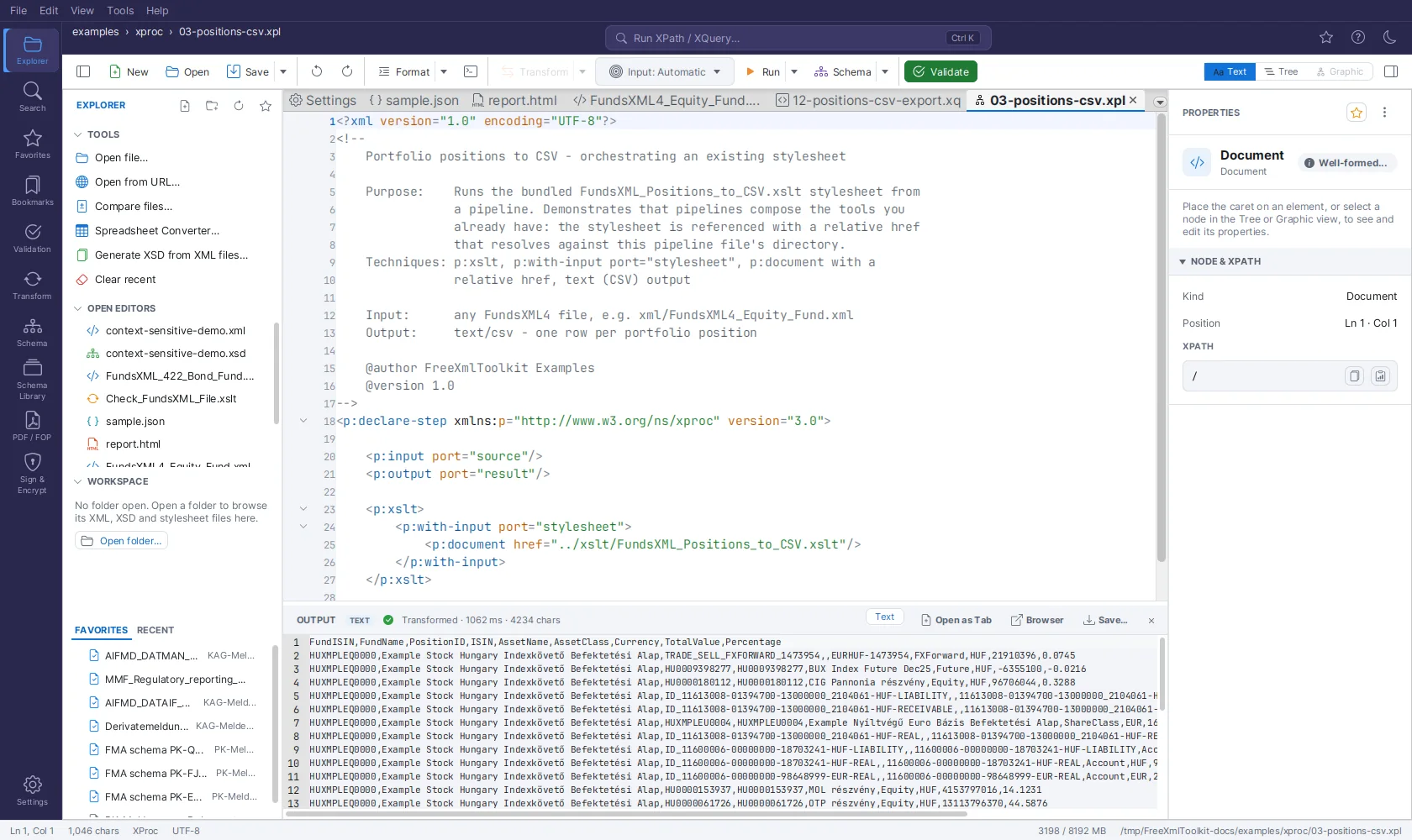
Pipelines
XProc 3.0 pipelines
Pipelines run on XML Calabash 3.
- Restricted by default: no programs, no network
- Run Pipeline on any .xpl document, with the result in the output panel
Also included
More about transformations
Other XSLT processors
Saxon HE 13.1 with one click, or your own Saxon PE/EE, xsltproc, RaptorXML or any command line.
External processorsGenerate a stylesheet
Optional: the AI assistant writes a stylesheet from a sample of the result and runs it to check.
AI assistant