
Design and understand XSD
A graphical editor that only makes valid changes, plus the tools around a schema: analysis, documentation, test data and a library that resolves imports.
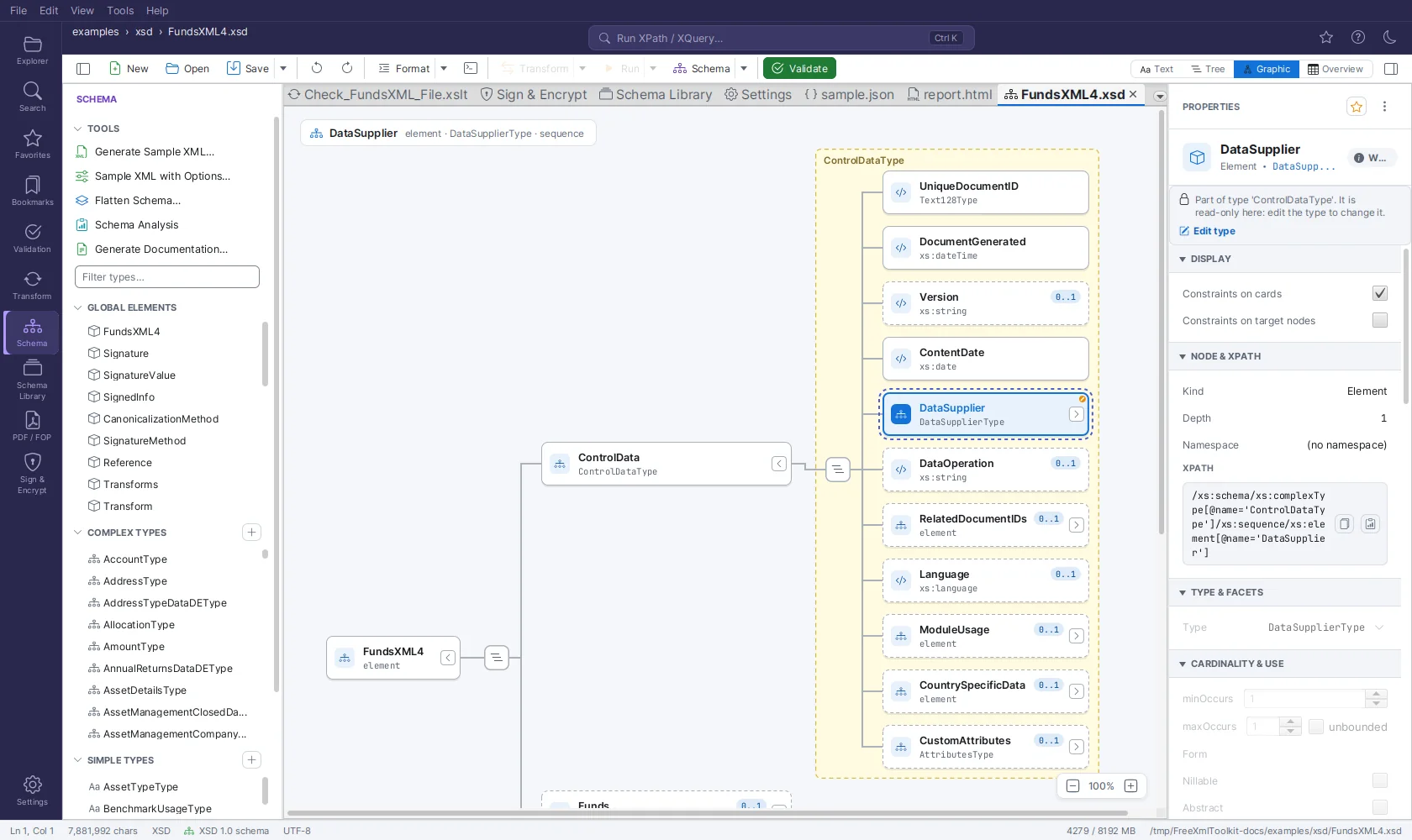
The schema as a diagram
Elements, attributes and compositors are cards you add, move and edit. Every change is one undo step.
- XSD 1.0 and 1.1, including assertions and type alternatives
- Drag and drop, with a check that the result is valid XSD
- Named types shown as frames, identity constraints on the cards
- Imports and includes are followed, also across the network
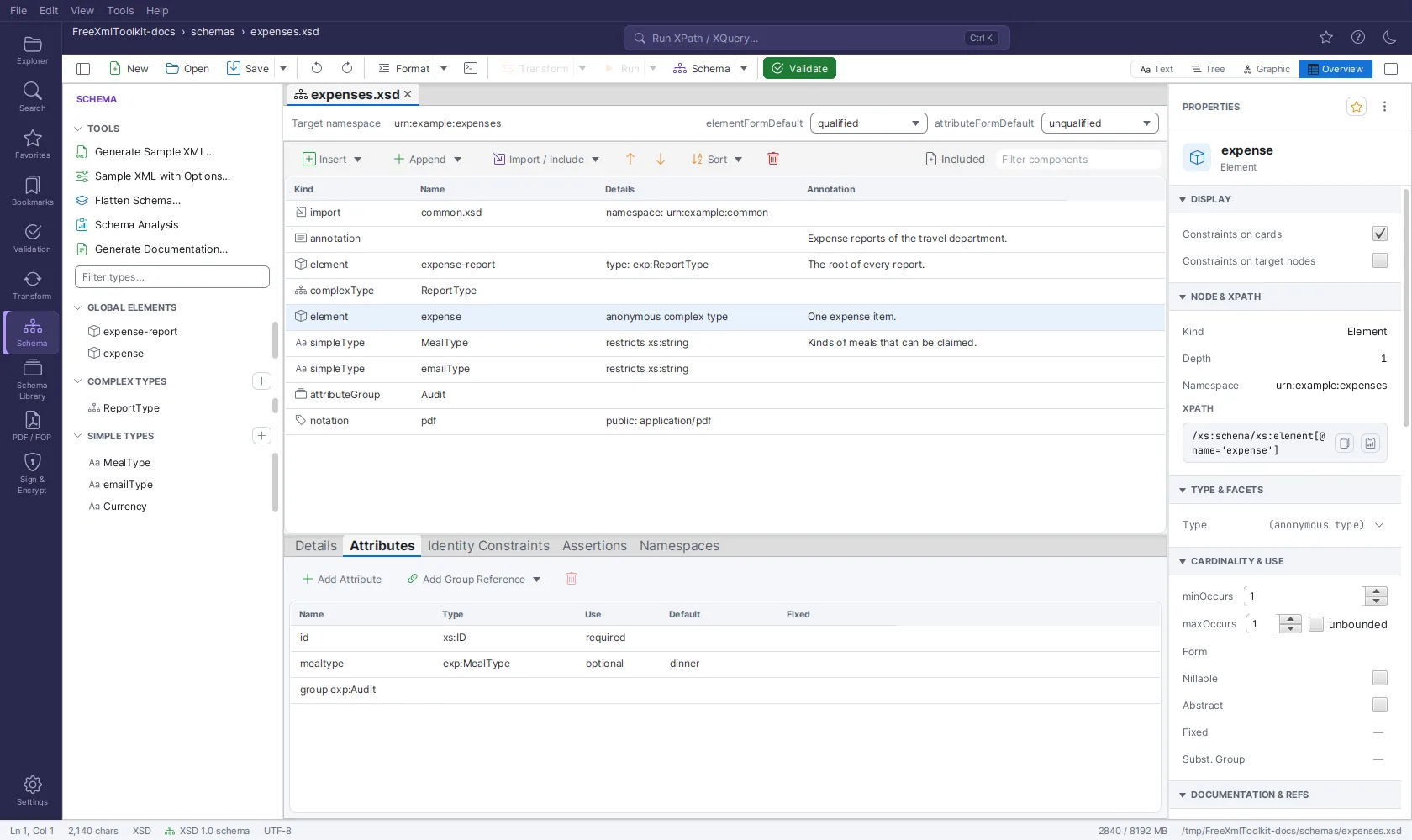
Every global component in one table
Elements, types, groups, imports and namespaces of the schema, with the details of the selected one below.
- Insert, reorder and sort components
- Rename a component together with its references
- Edit namespaces, identity constraints and assertions
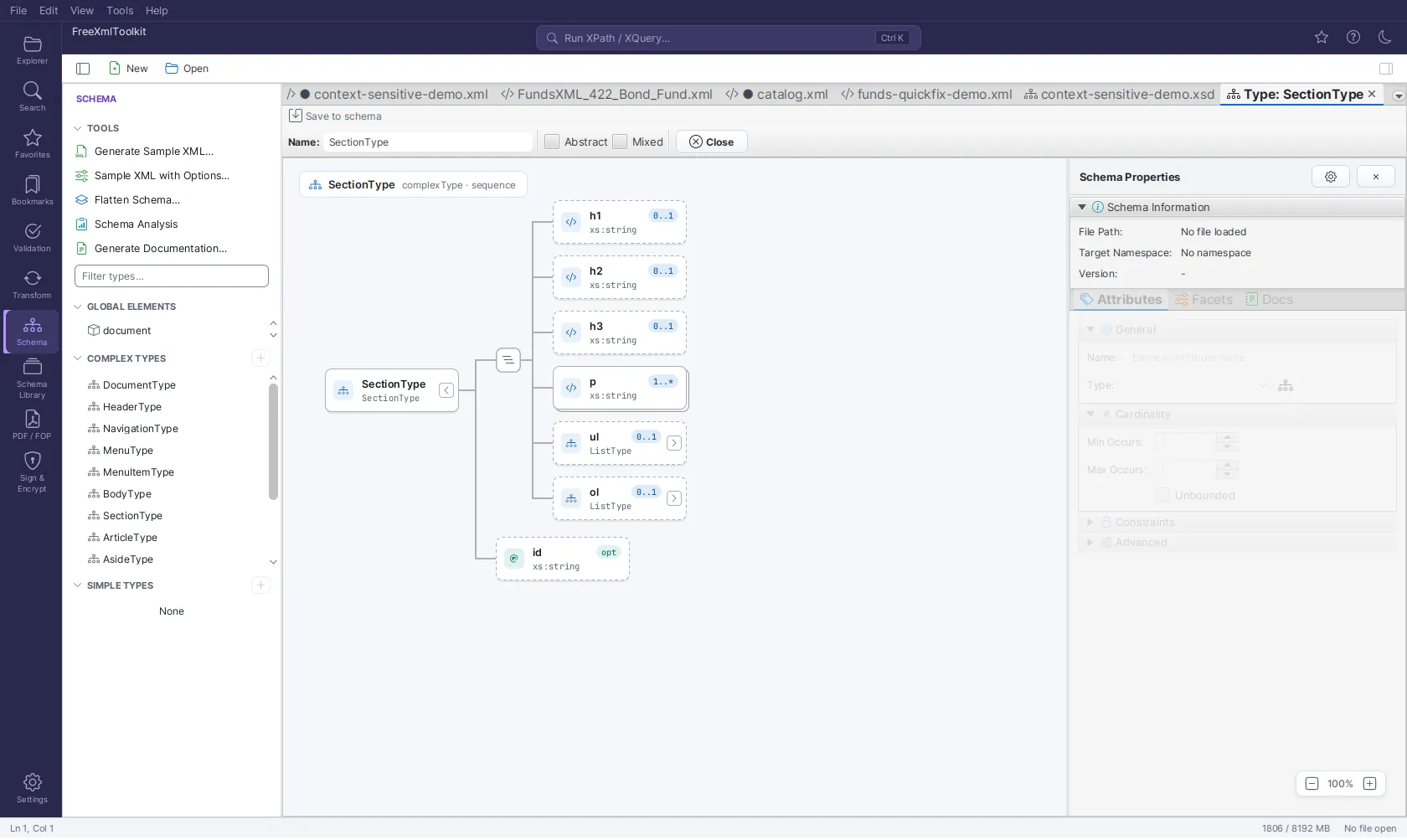
Type library and type editor
All types of the schema in one list, each opened in an editor of its own.
- Complex and simple types, facets, enumerations and patterns
- Where a type is used, and which ones are not used at all
- A type picker with the built-in types of XSD
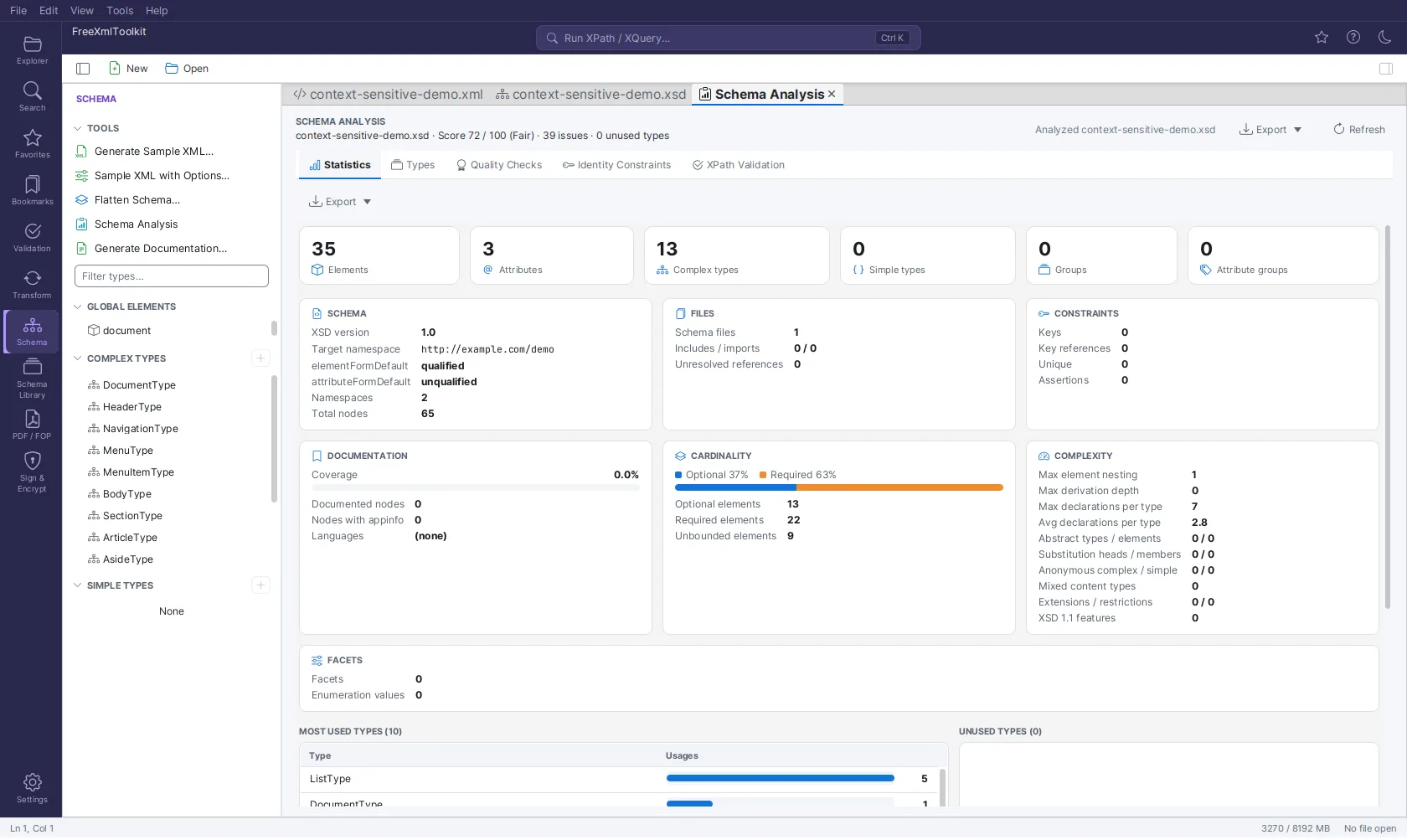
Know what is in a schema
Statistics, quality checks and the identity constraints of a schema in one report.
- Unused and unreachable definitions, reference cycles
- Export as CSV, JSON, HTML, PDF or Excel
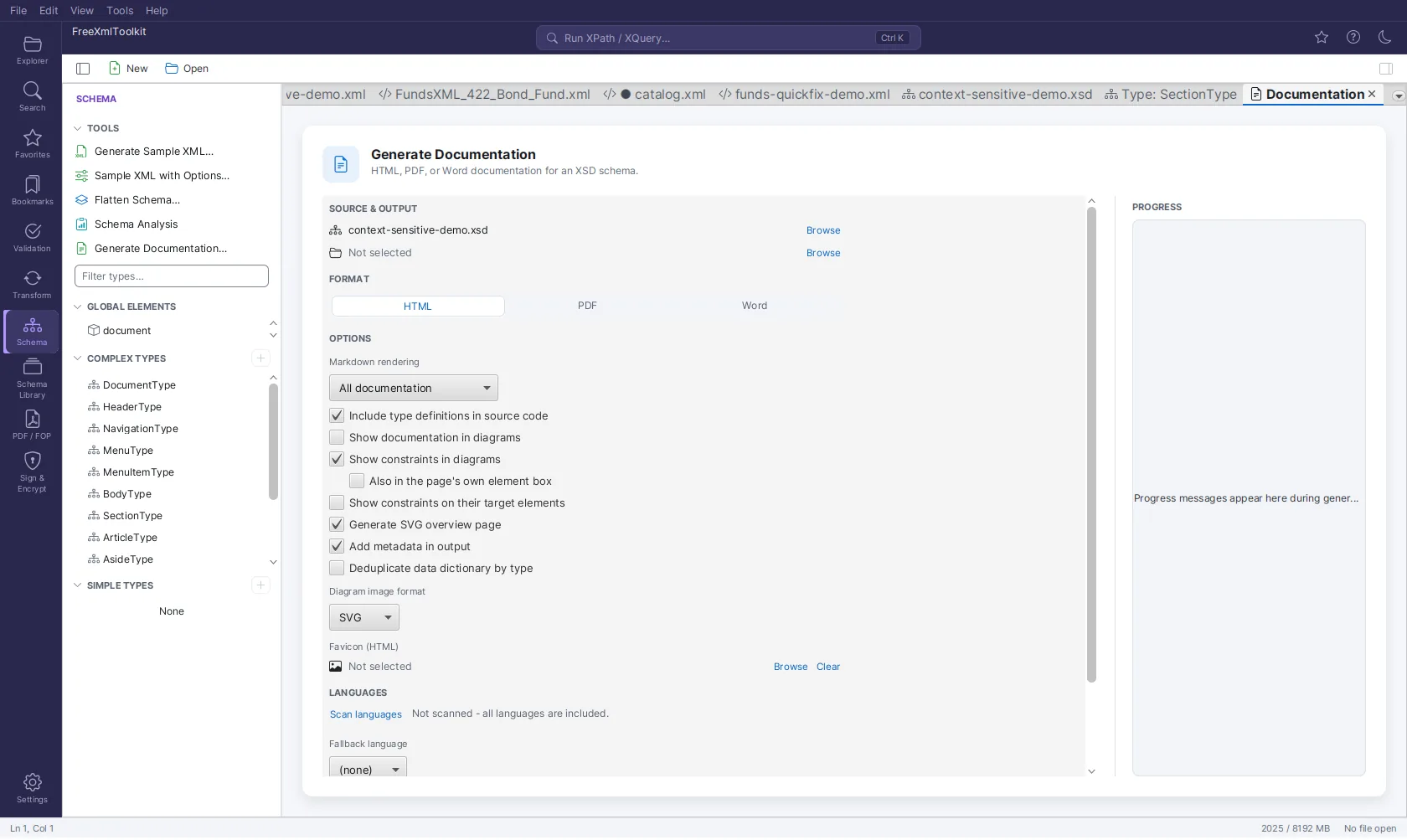
Documentation from the schema
A browsable description of every element and type, with diagrams.
- HTML, Word or PDF
- An Excel data dictionary with the HTML output
- From the command line with fxt-cli xsd-doc
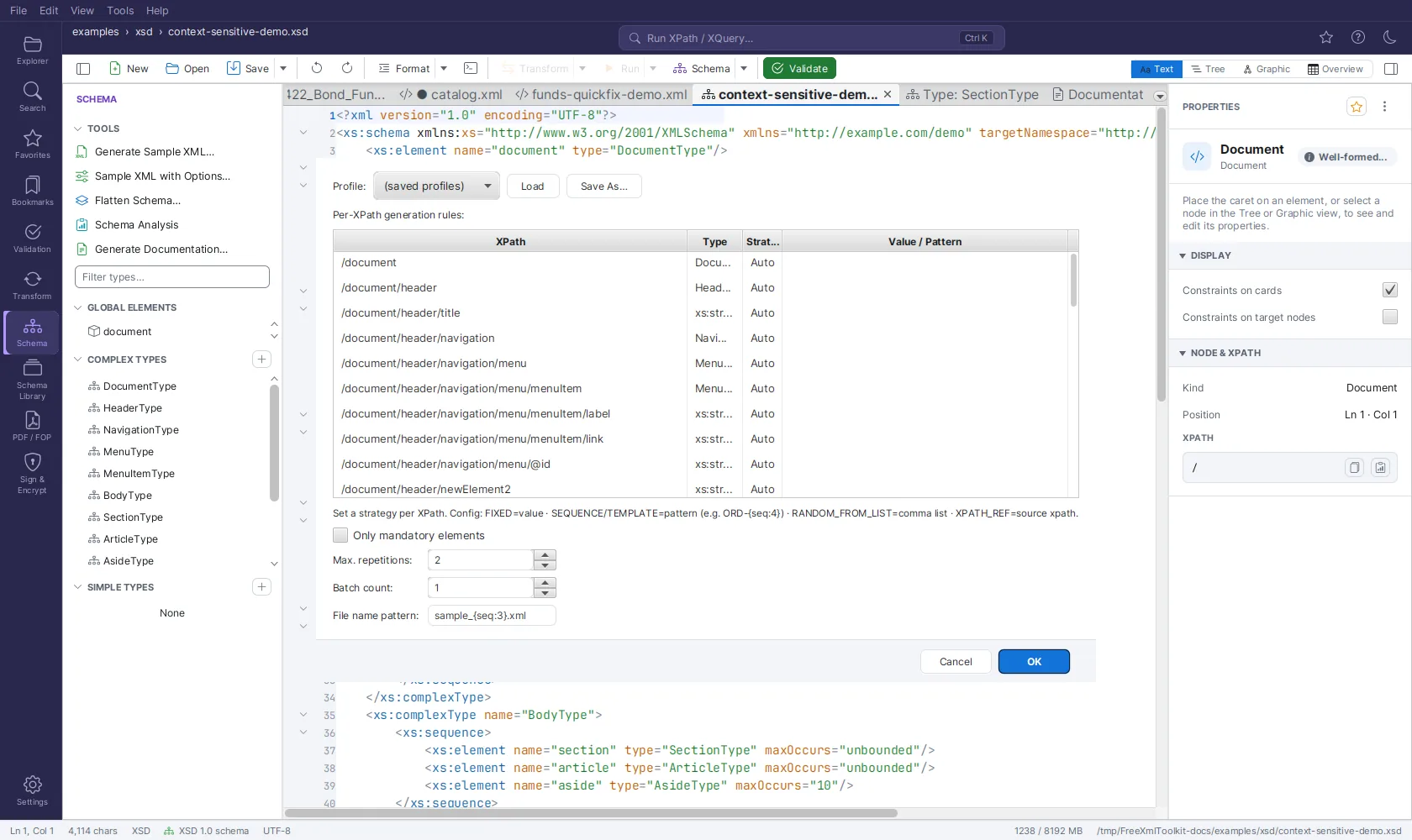
Sample XML from a schema
Generate instance documents that are valid against the schema.
- Profiles decide which values the fields get
- The result is validated right away
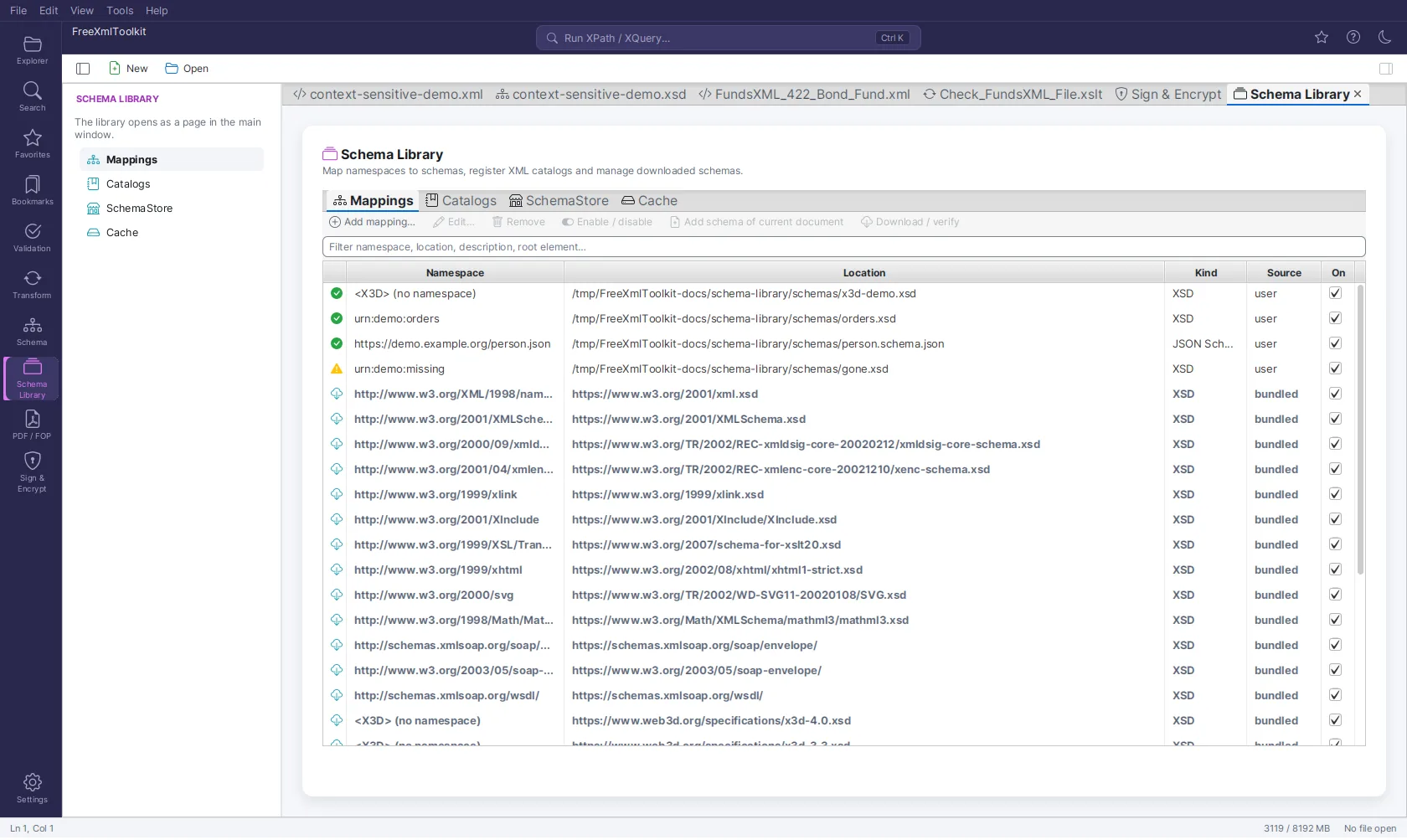
Imports that resolve themselves
The library maps namespaces to schema files, and every validator and editor asks it first.
- Namespace mappings and OASIS XML catalogs
- A cache of downloaded schemas, for work without a network
- Downloaded imports are kept next to the schema that uses them
More schema tools
Export the diagram
PNG, SVG or PDF of the diagram, the grid and the flame graph, or a copy to the clipboard.
Export a view