
Features › PDF and security
Publish and protect
PDF output with a preview, and the W3C standards for signatures and encryption.
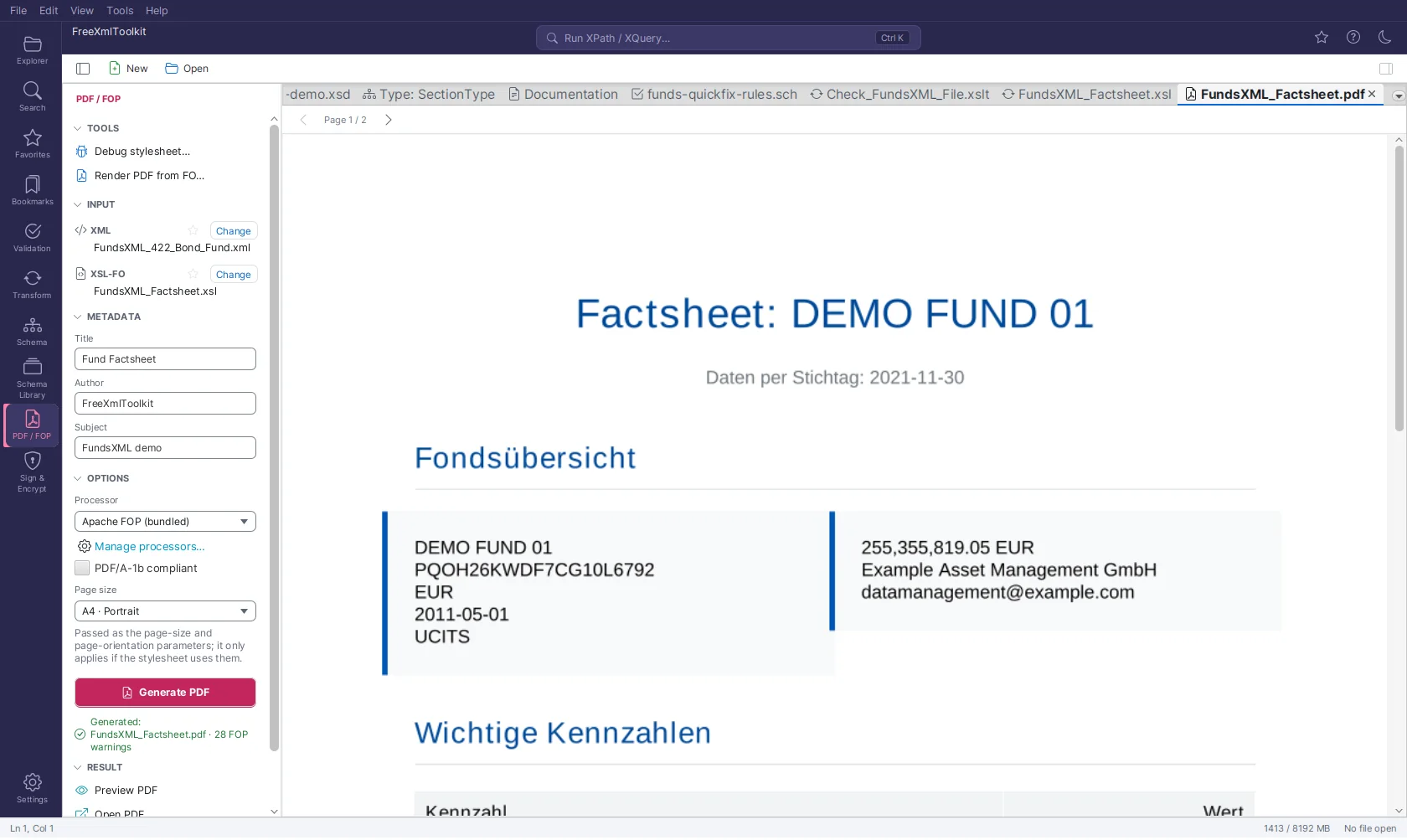
PDF
PDF with XSL-FO
XML and a stylesheet become a PDF, shown in the application.
- Apache FOP built in, with PDF/A-1b output
- The intermediate FO and every message of the processor at hand
- Antenna House, RenderX XEP or another processor instead of FOP
- From the command line with fxt-cli fop
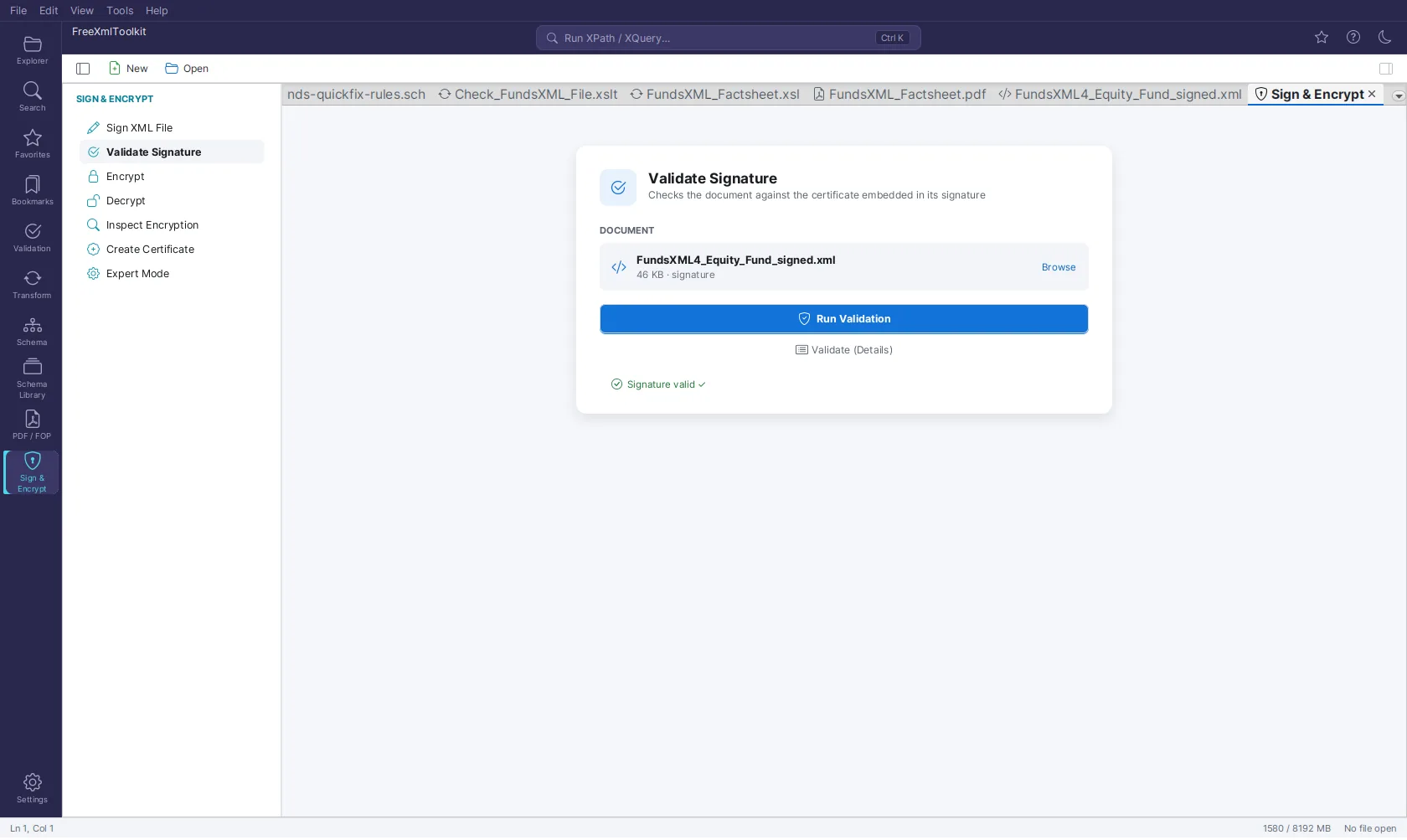
Signatures
Sign and verify
XML signatures with the algorithms you choose.
- RSA, RSA-PSS and ECDSA
- Create RSA or EC certificates for tests
- Keystores, PEM and DER files
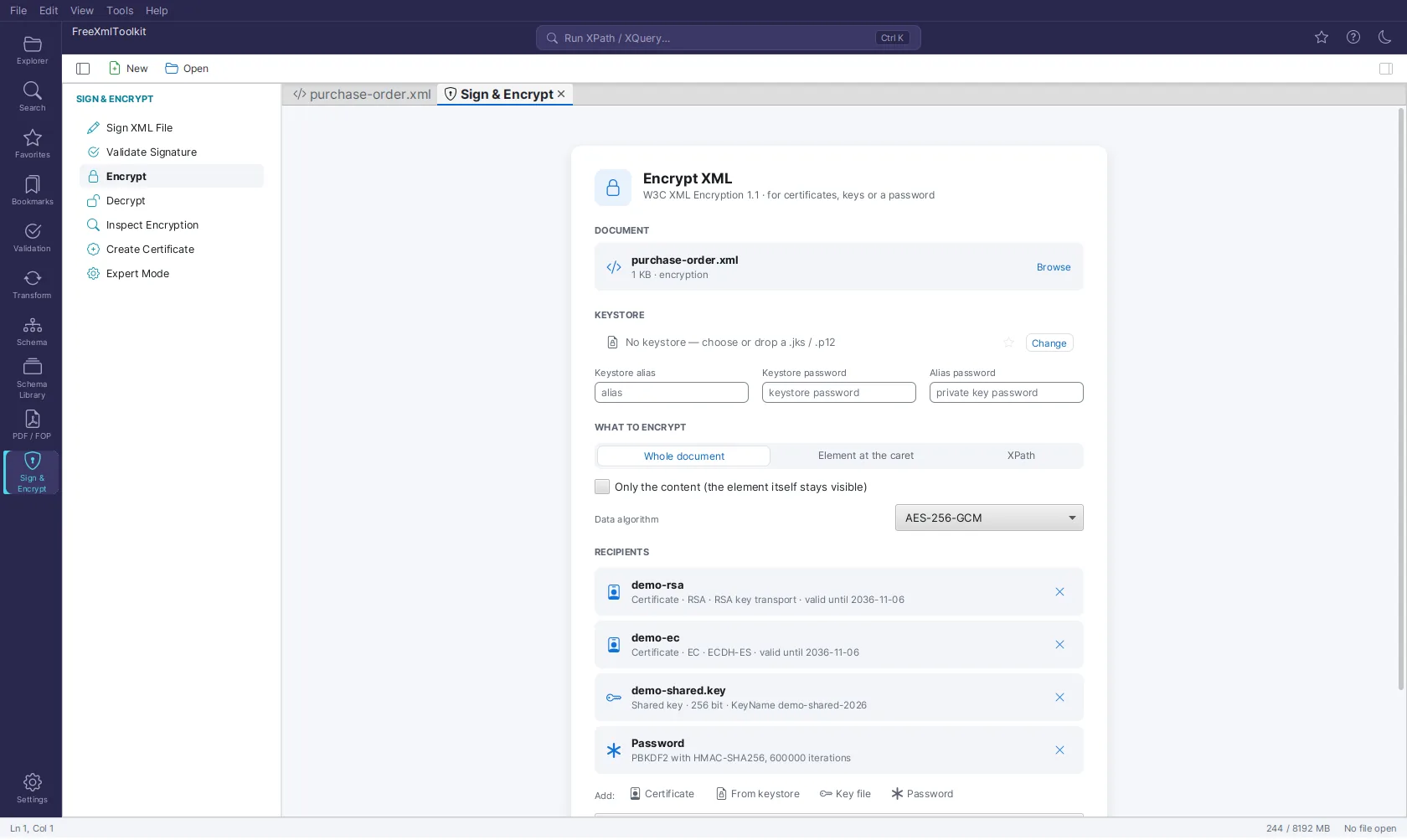
Encryption
Encrypt elements or whole documents
XML Encryption 1.1 for one element, its content, the document or a binary file.
- Any number of recipients: certificates, shared keys or a password
- Inspect an encrypted file before decrypting it
- Encrypt Element and Decrypt in the editor's context menu
Also included
In scripts and pipelines
sign, verify, encrypt, decrypt
The same functions as fxt-cli commands; passwords come from a prompt or an environment variable.
Command line